Timz GMRS Repeater
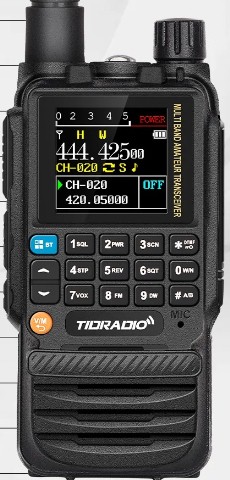
TID H3 Plus GMRS
Note: there are many versions of the H3. The standard (non-Plus), the Plus; and then FRS, GMRS, and Ham versions. This web page deals with the Plus GMRS... using factory firmware.
Programming & Operational Tips* I was unable to access the radio via PC using the radios side USB C port. I then tried a Wouxun USB cable I already had; plugging it into the spkr-mic jack and it worked fine. I'm also hearing that some Baofeng cables will work as well.* have the radio powered-off before plugging in the cable, or the radio may go into constant transmit.
* using the factory CPS programming software download here , I'd suggest making the following changes:
"Optional Settings"Uncheck Voice Announce.
Check "Channel A Display Name", and "B".
Display (in the lower part of screen) "Single" or "Classic".
Squelch (in the lower part of screen), raise by one number.* Using the CPS software, you can't change the frequencies for channels 1 thru 30; but you can change CTCSS settings if needed. Channels 189-199 will accept almost any frequency and it will probably receive them fine; though the radio will not permit transmitting if the TX freq is not a GMRS channel.
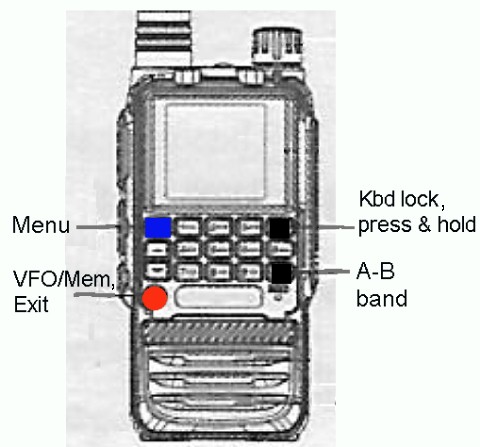
* Button Layout
back to Radios Page